How to Know If My Computer Has a Virus: The 7 Signs to Watch For
“How to know if my computer has a virus? It’s been acting weird for a few days…” It’s one of the most frequent questions we get at the TechAuPoint counter at 4172 Grande Allée in Longueuil. In 2026, more than 1.2 billion malicious programs are circulating worldwide, with approximately 450,000 new threats detected every day. The chances your PC gets hit at some point are real.
The problem is that modern viruses no longer behave like in the 2000s. No more red windows screaming “VIRUS DETECTED”: today’s malware is discreet, sneaky, and much of it mines cryptocurrency or steals your banking credentials without you having a clue. According to recent statistics, Windows users are 6.5 times more likely to get infected than Mac users.
In this guide, our A+ and CISCO certified technicians explain the 7 most revealing signs of an infected PC, and especially what to do (and NOT to do) to get rid of it without making the situation worse.
Sign #1: Your computer has become abnormally slow
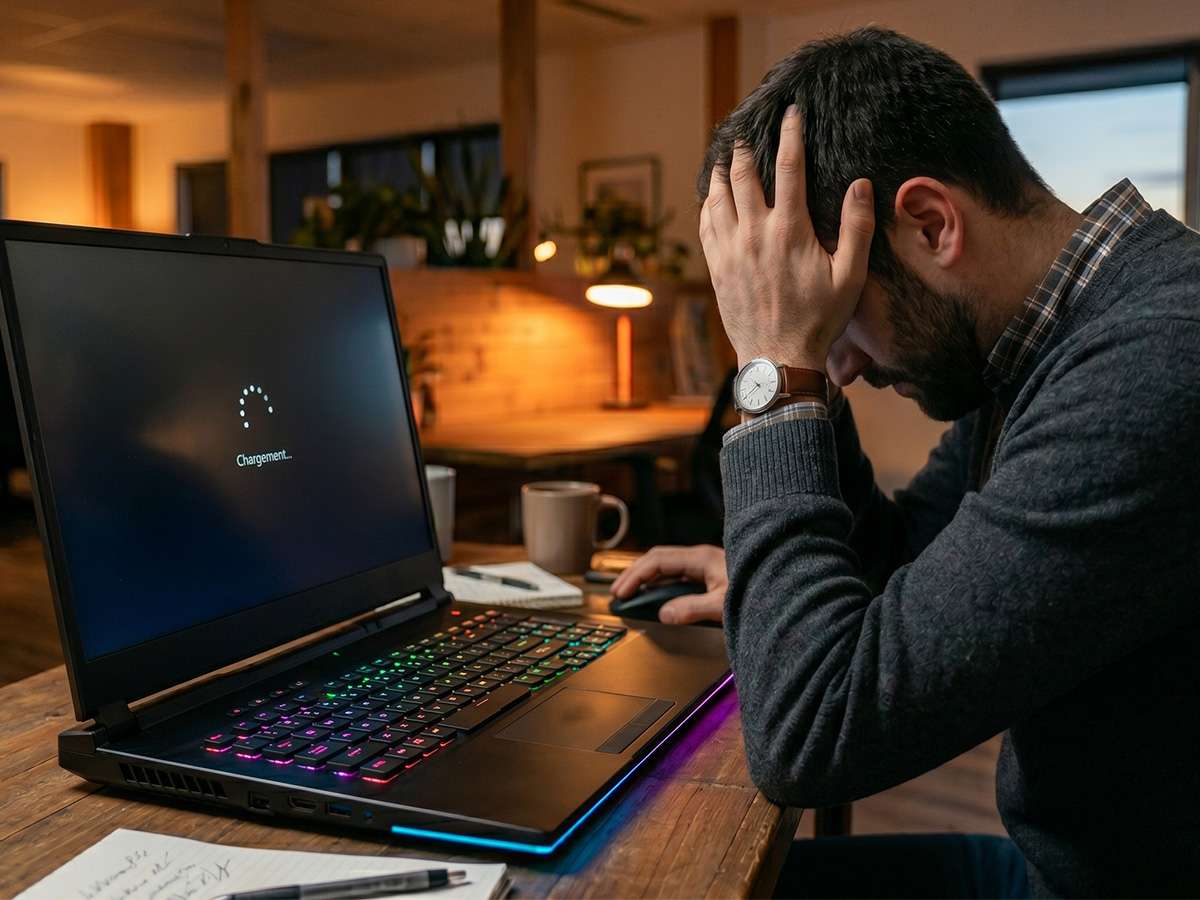
This is the #1 symptom of an infected PC, and also the most deceptive, because a slow PC can have many other causes. But when the slowness is sudden (your computer was fine a week ago and now it lags for no apparent reason), suspect a virus first.
Why? Many modern malware, like cryptominers, use your processor at 100% in the background to generate cryptocurrency for the hacker. Result: your fan runs at full speed, your PC heats up, and everything slows down. Another type of malware turns your machine into a “zombie” integrated into a cyberattack network (botnet), which also drains your resources.
How to check: Open Task Manager (
Ctrl + Shift + Esc
) and look at CPU usage at idle. If it’s at 50% or more while you’re doing nothing, that’s suspicious.
Sign #2: Pop-up ads are appearing everywhere
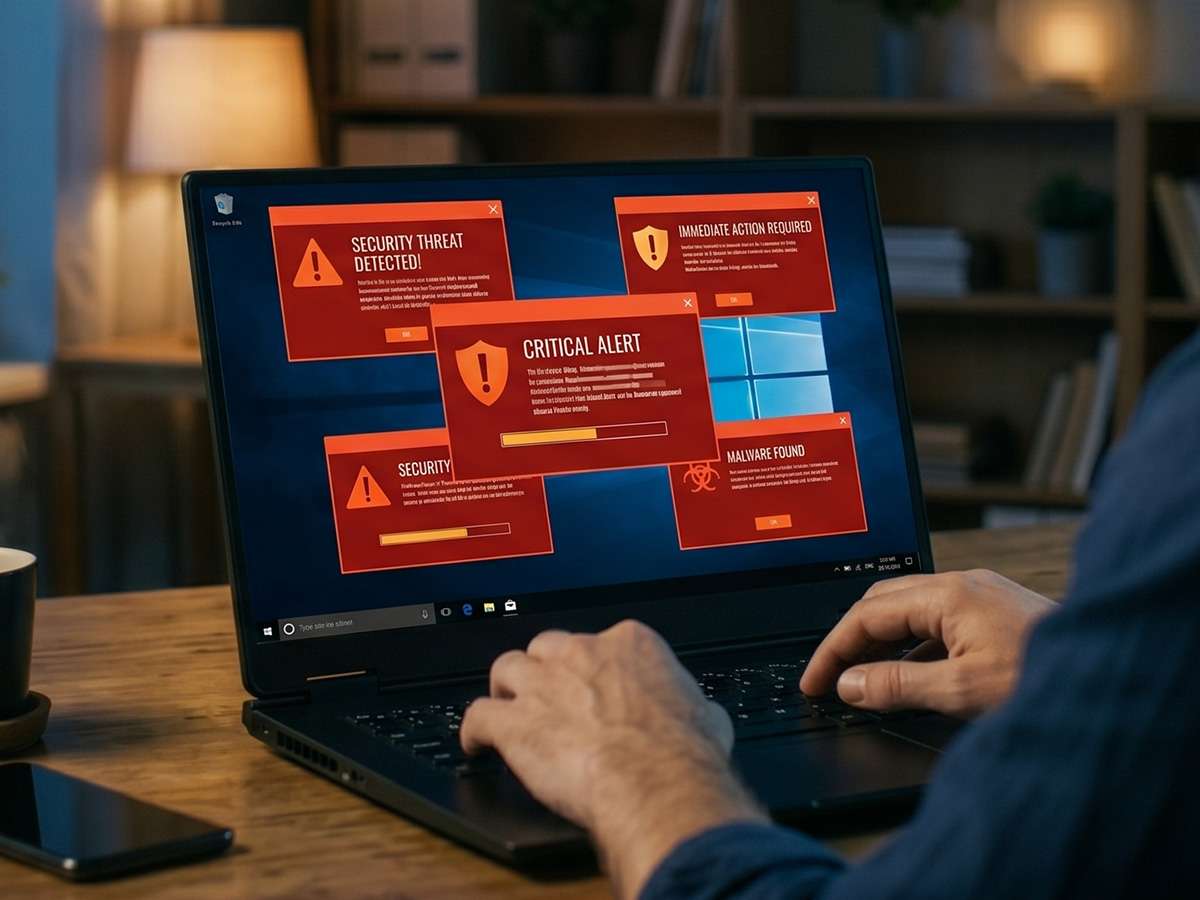
When pop-up ads appear outside your browser, or fake alerts tell you “YOUR PC IS INFECTED — CALL NOW AT 1-800-XXX”, it’s almost always adware (a type of malware that forces ad display). These windows often try to redirect you to fraudulent sites that install even more malware, the classic fake Microsoft alert trap.
⚠️ Important: If you see a fake alert with a phone number, NEVER call it. It’s always a “tech support scam” designed to take control of your PC and extract several hundred dollars from you.
This is exactly the kind of situation where our virus removal service at $49 comes in. Bring us your PC, we take care of everything.
Sign #3: Your browser changed without your permission
If your home page changed by itself, your default search engine is no longer Google but a weird URL like “search-xyz-fast.com”, or you see a new toolbar you never installed, it’s one of the most classic signs of an infected PC.
Malware called browser hijackers takes control of your settings to redirect your web traffic to fraudulent sites that pay the hacker for every click. Worse: some inject malicious links into every page you visit.
Do this immediately: Go to your browser settings and check your home page and search engine. If something changed without your intervention, you need a complete cleanup.
Sign #4: Your antivirus is disabled or no longer works
Modern viruses know that their first enemy is your antivirus. So many of them try to disable Windows Defender or your third-party antivirus as soon as they install. If you notice that:
- Your antivirus icon has disappeared from the system tray
- You can no longer open Windows Security
- Your antivirus refuses to launch or run a scan
- Windows updates all fail
…it’s a major warning signal. Your PC is probably already infected by malware that protects itself. At this stage, standard software solutions won’t work, manual intervention is required.
Our technicians specialized in remove a virus on Windows 11 use professional tools that boot from USB outside the infected system, which bypasses the malware’s protections. It’s the only way to guarantee complete decontamination.
Sign #5: Files or programs appear or disappear
If you notice unknown icons on your desktop, programs you never installed in your Start menu, or conversely if your personal files disappear or become inaccessible, take the threat very seriously.
⚠️ In the worst case, files renamed with
.encrypted
,
.locked
,
.crypt
extensions with a message demanding a Bitcoin ransom, you’re a victim of ransomware. It’s one of the most destructive threats of 2026.
NEVER pay the ransom. In more than 40% of cases, hackers don’t give the decryption key even after payment. Contact us immediately: our data recovery service starting at $149 can sometimes save your files depending on the ransomware type used.
Sign #6: Your PC crashes or shows blue screens repeatedly
The Blue Screens of Death (BSOD) can have several causes, failing RAM, corrupted driver, dying hard drive, but they can also be caused by malware attacking Windows system files.
If you’ve seen frequent crashes in recent weeks, especially combined with other symptoms on this list, run a complete diagnostic. Our diagnostic service at $29 can determine in less than 24 hours whether the cause is hardware or viral, and thus avoid replacing a part that has no problem.
Sign #7: Abnormal Internet usage (network consumption)
If your Internet connection has become abnormally slow, or your modem light blinks constantly even when you’re doing nothing, it might be that malware is sending your personal data in the background to a remote server, or using your connection to participate in attacks against other targets.
How to check: Open Task Manager → Performance tab → click on Wi-Fi or Ethernet. You’ll see network consumption in real time. If you have traffic while doing nothing, it’s suspicious.
My computer has a virus: what now?
If you recognize 2 or more symptoms in this list, there’s a good chance that my computer has a virus is the right conclusion. Here’s our recommended protocol:
What you SHOULD do:
- Disconnect your PC from the Internet (Wi-Fi off or cable unplugged) to prevent data transmission
- Don’t type any sensitive password (banking, email) before decontamination
- Get a professional diagnostic before attempting anything
- Back up your important personal files on an external drive (avoiding copying .exe files which might be infected)
What you should NOT do:
- ❌ Do NOT download the first “free antivirus” you find searching on Google — many are themselves disguised malware
- ❌ NEVER call a number displayed by a fake “Microsoft Support” alert
- ❌ NEVER pay a ransom if your files are encrypted
- ❌ Don’t format your PC without having backed up your important data
Why entrust cleanup to a professional?
Many people try to remove a virus themselves by downloading free tools. The problem is that:
- Modern malware is designed to resist consumer antivirus
- Some viruses automatically reinstall after incomplete removal
- Handling errors can make Windows unusable
- You’ll never be certain that everything has been eliminated
At TechAuPoint, our virus removal Longueuil service at $49 includes:
- A multi-tool scan (Malwarebytes, ESET Online, Bitdefender and more)
- Manual examination by a technician of your startup, scheduled tasks and registry
- Complete reset of your browsers
- Updates of Windows and all protections
- A detailed report of what was found and removed
If the infection is too deep, we recommend a clean format at $89, starting fresh with a complete reinstallation of Windows and your essential software.
We are your trusted IT technician South Shore
Whether you’re in Longueuil, Greenfield Park, Saint-Hubert, Saint-Lambert, Brossard, Boucherville or elsewhere on the South Shore, our team is at your service in-store, at home (via our in-home service at $139) or remotely via remote support at $29. Our status as your IT technician South Shore for over 10 years has taught us to recognize all malware strains, including the most recent ones.
For more information, the Canadian Centre for Cyber Security regularly publishes official alerts on active threats in Canada.
Do you think your computer has a virus? Bring us your PC at 4172 Grande Allée in Longueuil, or request our in-home service anywhere on the South Shore. Diagnostic at $29, cleanup starting at $49, guaranteed results. Contact TechAuPoint right now to safely decontaminate your computer.
FAQ: Your questions about computer viruses
How to know if my computer has a virus without antivirus?
Several signs can alert you without having an antivirus installed: sudden slowness, unusual pop-ups, changes in your browser, disabled Windows antivirus, files disappearing, frequent blue screens, or abnormal Internet activity. If you recognize 2 or more symptoms, get a professional diagnostic at TechAuPoint starting at $29.
Is Windows Defender enough to protect my PC in 2026?
Windows Defender has greatly improved and offers acceptable basic protection against known threats. However, modern malware, especially targeted ransomware and zero-day attacks, often slip through. For complete protection, we recommend pairing Windows Defender with Malwarebytes Premium or a quality third-party antivirus.
How much does virus removal cost at TechAuPoint?
Our virus removal Longueuil service costs $49 and includes a multi-tool scan, manual examination by a technician, browser reset, and a detailed report. If the infection requires a complete format, the rate is $89 including Windows reinstallation and your essential software.
How long does virus removal take?
Most cleanups are completed same day at TechAuPoint, generally in 2 to 4 hours depending on infection severity. For complex cases (ransomware, deep rootkits), a complete format may be necessary, taking 4 to 6 hours with software reinstallation.
Can I recover my files after a ransomware attack?
In some cases, yes. It depends on the ransomware type used: for old or poorly designed strains, free decryption tools exist. For recent and well-designed ransomware, recovery is harder but not impossible with our professional tools. Never pay the ransom, contact us first to evaluate your options.