Beware of Scams: The Complete Guide to Protecting Your PC in 2026
“Hello, this is Microsoft technical support, we’ve detected a dangerous virus on your computer…”. If you’ve ever received this type of call or seen this window appear on your screen, you’ve been targeted by one of the most widespread frauds in Quebec. Beware of scams related to computers: they’re exploding in Longueuil and throughout the South Shore, and scammers are becoming more sophisticated every year. At TechAuPoint, we receive customers victimized by these schemes every week, some having lost thousands of dollars.
In this article, we’ll explain how to recognize the 8 most common types of computer scams in 2026, what to do if you’ve been trapped, and how our virus protection service at TechAuPoint in Longueuil can secure your PC and your personal data.
Why Computer Scams Are Exploding in 2026
According to the Canadian Anti-Fraud Centre, Canadians lost over $569 million to computer fraud in 2024, an absolute record. Seniors are the preferred targets, but no age group is spared. The sophistication of scams has exploded with the arrival of artificial intelligence, which allows fraudsters to clone voices, generate perfectly credible emails, and even create fake websites identical to originals.
Quebecers Particularly Targeted
In Quebec, and notably on the South Shore, scammers often exploit bilingualism. They alternate between French and English depending on the target, and use accents to appear more credible. Computer fraud Longueuil has become a real scourge, and local authorities now encourage citizens to consult cybersecurity experts before taking any suspicious action.
The 8 Types of Computer Scams to Recognize Absolutely
1. The Fake Microsoft Support Scam
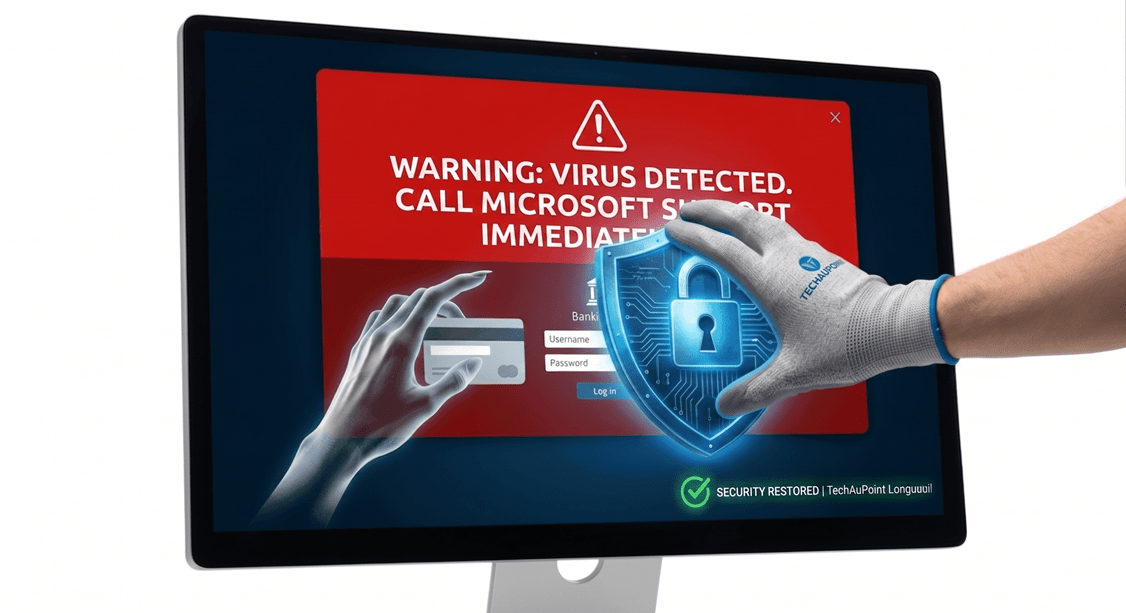
This is the most widespread fraud. A call or pop-up window informs you that your computer is infected with a dangerous virus. The fake Microsoft support then asks you to install remote access software (TeamViewer, AnyDesk, UltraViewer) to “fix” the problem.
The trap: Microsoft, Apple and Google will NEVER call you spontaneously to talk about viruses. No legitimate window will contain an urgent phone number to call.
2. The Fake Antivirus Scam
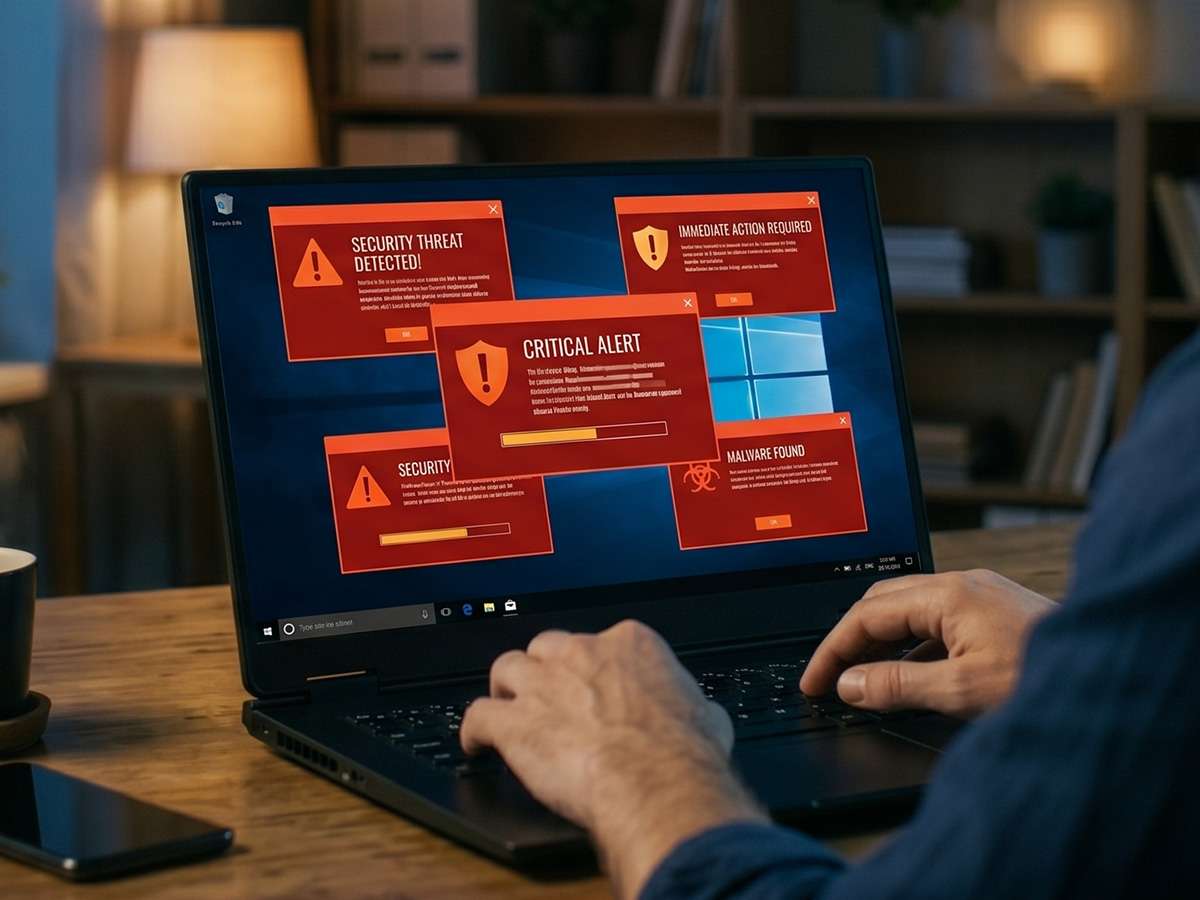
A window suddenly appears with flashing red alerts: “Your PC is infected with 47 viruses! Click here to clean now!”. If you click, you’re actually installing a real virus or ransomware.
The trap: Real antivirus programs (Windows Defender, Bitdefender, Norton) never use aggressive fear tactics with countdowns.
3. The Email Scam (Phishing)
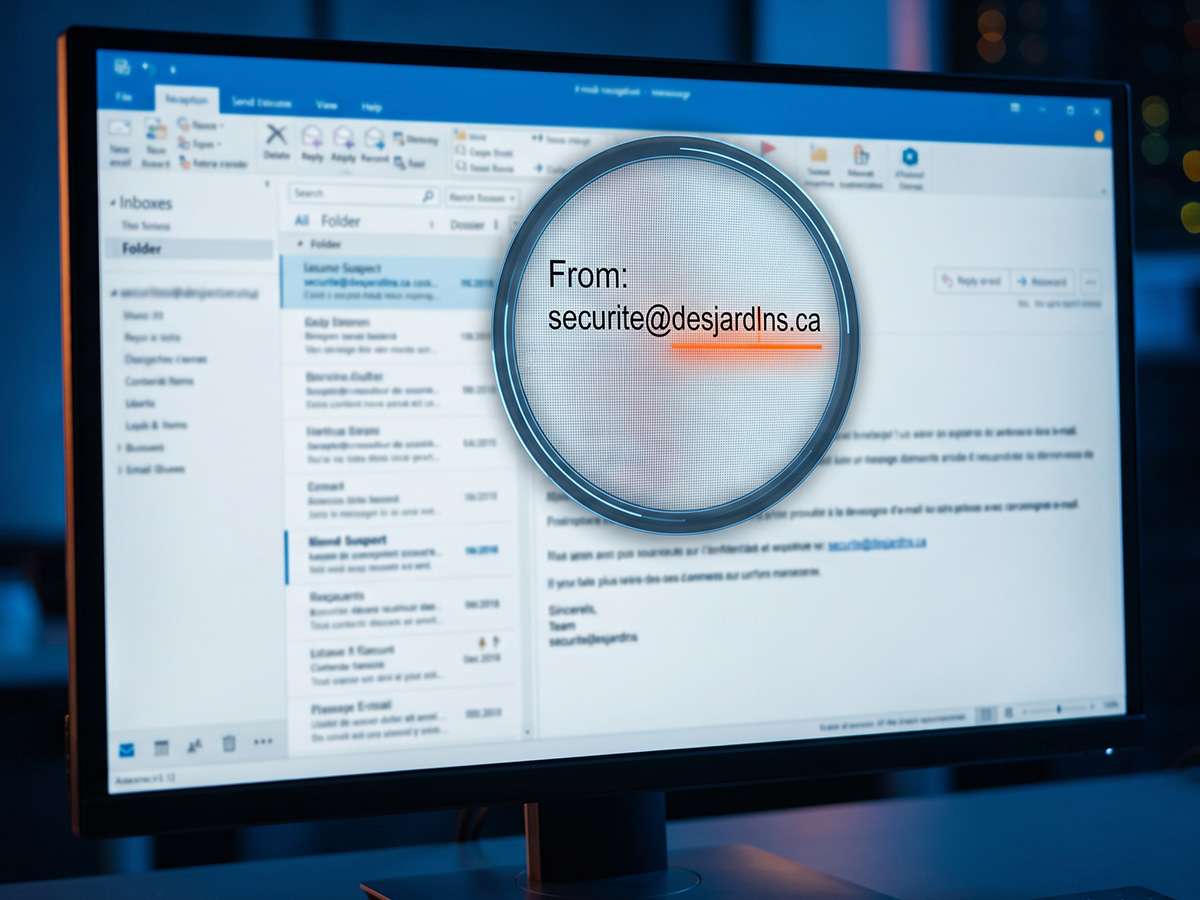
You receive an email that appears to come from your bank, Canada Post, Revenu Québec or Netflix. It asks you to click a link to “confirm” your information or “unlock” your account.
The trap: The link leads to a fake site identical to the original, which steals your credentials. Always check the sender’s full address.
4. The Fake Invoice Scam
You receive an unpaid invoice by email or text for a service you’ve never used: Geek Squad, Best Buy, McAfee, etc. The message prompts you to call a number to “dispute” the charge.
The trap: On the phone, the scammer will pretend to need access to your PC to “refund” you, and then ask you to transfer money.
5. The Romance Scam with Computer Angle
A person you met online asks for your help to “fix” their computer or receive a package. They send you an infected file or ask you to install software on your PC.
The trap: The file contains a virus that steals your passwords, personal photos, or installs ransomware.
6. The Gift Card Payment Scam
Anyone (real or fake) who asks you to pay with Apple, Google Play, Amazon or Steam gift cards is a scammer. No legitimate business, no government, no institution ever requests payment in gift cards.
The trap: Once the codes are shared, the money is untraceable and impossible to recover.
7. The Fake Browser Update Scam
A web page displays: “Your Chrome browser must be updated immediately”. If you click, you install a fake file containing spyware.
The trap: Chrome, Firefox, Edge and Safari update automatically and silently. No web window should ever ask you for a manual update.
8. The Cryptocurrency Investment Scam
A “friend” on Facebook, Instagram or WhatsApp tells you about an extraordinary Bitcoin or crypto investment opportunity with guaranteed returns. You must first install an app or create an account on a specific site.
The trap: The platform is fake, and all the money you deposit disappears. The sophistication can fool even savvy investors.
The 5 Warning Signs That Never Fail
Regardless of the form the fraud takes, these warning signs are always present:
Signal 1: Artificial Urgency
“You must act within the next 5 minutes!”, “Your account will be closed today!”, “Do not hang up under any circumstances!”. Urgency is designed to prevent you from thinking.
Signal 2: The Remote Access Request
Any request to install TeamViewer, AnyDesk, LogMeIn, Quick Assist or any other remote access software is an absolute red flag.
Signal 3: Unusual Payment Method
Gift cards, Western Union transfers, Bitcoin, Interac transfers to strangers, cryptocurrency purchases… These payment methods are scammers’ favorites because they’re untraceable.
Signal 4: Personal Information Requested by Phone
Passwords, banking PIN, social insurance number, 6-digit verification codes: no legitimate institution will ever ask for these by phone.
Signal 5: Pressure to Stay Silent
“Don’t tell your spouse or your banker”. Scammers know that if they can isolate you, you’re more vulnerable.
What to Do If You’ve Been Scammed?
If you’ve clicked on a suspicious link, installed software at the request of a “technician”, or given sensitive information, it’s crucial to act FAST. Here are the steps:
Step 1: Immediately Cut the Connection
Unplug your Ethernet cable or disable Wi-Fi. If the scammers still have access to your PC, this cuts them off immediately.
Step 2: Turn Off Your Computer
Don’t try to “fix” it yourself. The more you use your infected PC, the more the scammers can steal your data.
Step 3: Contact Your Bank
If you provided banking information or authorized transactions, call your bank immediately to block your cards and report the fraud.
Step 4: Change All Your Passwords
From another non-infected device (your phone, for example), change the passwords for your critical accounts: email, bank, Facebook, Amazon, Netflix.
Step 5: Bring Your PC to an Expert
Bring your computer to TechAuPoint in Longueuil for a complete computer diagnostic and a professional virus removal. We identify and remove backdoors, keyloggers and all installed malware.
Step 6: Report the Fraud
Contact the Canadian Anti-Fraud Centre (1-888-495-8501) and file a complaint. The more information authorities have, the more they can track fraudster networks.
How TechAuPoint Protects You Against Scams
Our virus protection service doesn’t just remove existing threats. Here’s our complete approach:
Complete and Confidential Diagnostic
During our $49 virus removal service, we deeply analyze all sectors of your system. We look for rootkits, Trojan horses, spyware and backdoors that scammers may have installed.
Securing Your Accounts
We help you enable two-factor authentication (2FA) on your critical accounts, verify that no suspicious connections are active, and configure a password manager so you no longer use the same password everywhere.
Installation of Robust Protections
We install and configure cybersecurity solutions adapted to your usage level, without selling you unnecessary subscriptions. Windows Defender, properly configured, is sufficient in 90% of cases.
Training and Prevention
When picking up your PC, our technicians explain the warning signs to recognize and the best practices to adopt. The best protection remains education.
Secure Remote Support
If you have doubts about a suspicious email or window, our remote support at $29 allows a certified technician to quickly check your system, without having to travel.
Cybersecurity South Shore: Our Local Commitment
Cybersecurity South Shore has been our priority for over 10 years. Whether you live in Saint-Hubert, Saint-Lambert, Brossard, Boucherville or Greenfield Park, our A+ and CISCO certified technicians are at your service. Our local and personalized approach allows us to take the necessary time to explain the situation to you and accompany you step by step in securing your digital environment.
We pay particular attention to seniors and people less comfortable with technology, who are preferred targets of these scams. No question is judged stupid here, and our role is to give you the tools to regain control.
Conclusion: Vigilance is Your Best Weapon
The tech support scam in all its forms is not going to disappear. On the contrary, with the evolution of artificial intelligence, scammers will have increasingly powerful tools to deceive you. Your best defense is to know the warning signs, take the time to verify before acting, and have a trusted expert to turn to in case of doubt.
At TechAuPoint, we’re here to help you navigate this increasingly complex digital environment. Beware of scams is more than a slogan: it’s a daily reminder that can save you thousands of dollars and precious data.
Have doubts about an email, call or suspicious window? Don’t take a chance. Visit us at 4172 Grande Allée in Longueuil, or contact us for quick and free advice.
FAQ – Frequently Asked Questions About Computer Scams
How much does a complete cleanup after being scammed cost at TechAuPoint?
Our standard virus removal service is $49 and covers the majority of cases. For complex infections requiring a complete Windows reinstallation, we offer a $89 package. A prior diagnostic at $29 allows us to give you an exact price before starting.
I gave access to my PC to a fake technician, is my data compromised?
Potentially yes, which is why we recommend a complete diagnostic as quickly as possible. Scammers often install invisible tools (rootkits, keyloggers) that continue to steal your information even after they disconnect. Our in-depth cleanup identifies and removes these threats.
Do Microsoft or Apple really call their customers to report viruses?
Never. Microsoft, Apple, Google, Amazon and all major tech companies never initiate calls or pop-ups to tell you about viruses on your computer. If you receive this type of contact, it’s necessarily a scam, without exception.
How long does an anti-scam cleanup take at TechAuPoint?
The majority of our interventions are completed the same day, generally in 2 to 4 hours. For complex cases requiring in-depth analysis or reinstallation, allow 24 hours. We’ll call you as soon as your PC is secured and ready to be picked up.
Will I lose my photos and documents during the cleanup?
No, we always secure your personal data before any intervention. In the extreme case where a complete reinstallation is necessary, we transfer all your photos, documents and bookmarks to a clean system. Your memories are safe with us.